How smartphones can detect earthquakes (TRICKS)
The country has recently experienced several earthquakes. This has caused panic among people. However, your smartphone is capable of sending warnings a few seconds before the earthquake. This will give you time to take shelter and take measures to save your life.
Three years ago, on October 25, 2022, a magnitude 5.1 earthquake occurred in the Bay Area of California. Fortunately, it was not a very large earthquake, and the damage was not that great. But in another way, that earthquake was very significant. Because, many people in that area received advance warnings on their smartphones before the earthquake.
Then, on August 6, 2024, residents of Southern California also received notifications before a magnitude 5.2 earthquake. At that time, many also said that they received warnings at least 30 seconds before.
And the important thing is that the earthquake warning that phone users received was initially detected by their phones.
For years, Google has been working with experts from the United States Geological Survey (USGS) and several universities in California to develop a technology that could send out warnings seconds before an earthquake strikes.
The warnings could be delivered seconds before an earthquake strikes. Google believes those seconds could give people time to take shelter under a table or bed or slow down a train.
They also believe the system could save lives in the event of a major earthquake.
Most phones running Google’s Android operating system have accelerometers – which can detect when the phone is moved. This tool helps apps like fitness trackers provide information about how much the phone user has walked or run.
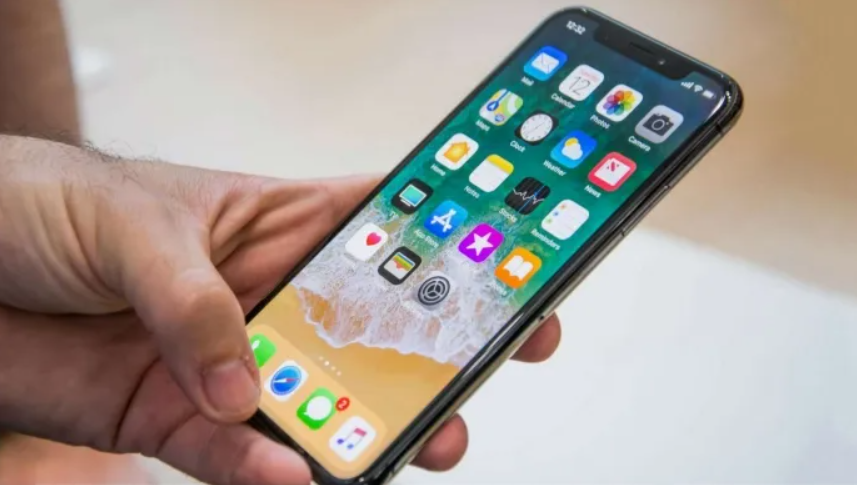
However, its sensors are very sensitive and can also act as a small seismometer. As soon as the initial shock of the earthquake is detected, this system on the phone sends information to Google’s Android Earthquake Alert system.
Then Google checks whether they are receiving similar information from millions of Android phones in the same area.
How to turn on Earthquake Alert on your Android phone
- Go to the Settings option on your Android phone
- Go to the ‘Safety and Emergency’ option in Settings
- Select the ‘Earthquake Alert’ option
However, to get 100% of the benefits of this system, you have to follow some conditions.
The phone’s location must be turned on so that Google can identify the area in which your phone is located.
And to use the phone as a seismograph, the device must be kept in a stable position (on a table) and connected to the charger.
That is, if your phone is connected to the charger in a stable position, it will be able to detect earthquakes and send possible earthquake information to Google.
After receiving this information from several phones in the same area, Google will be able to analyze them and understand that an earthquake is about to occur.
Based on that information, they will then send advance warnings to all Android users in that area and its surrounding areas.
Related Posts


About The Author
